
Table of Contents
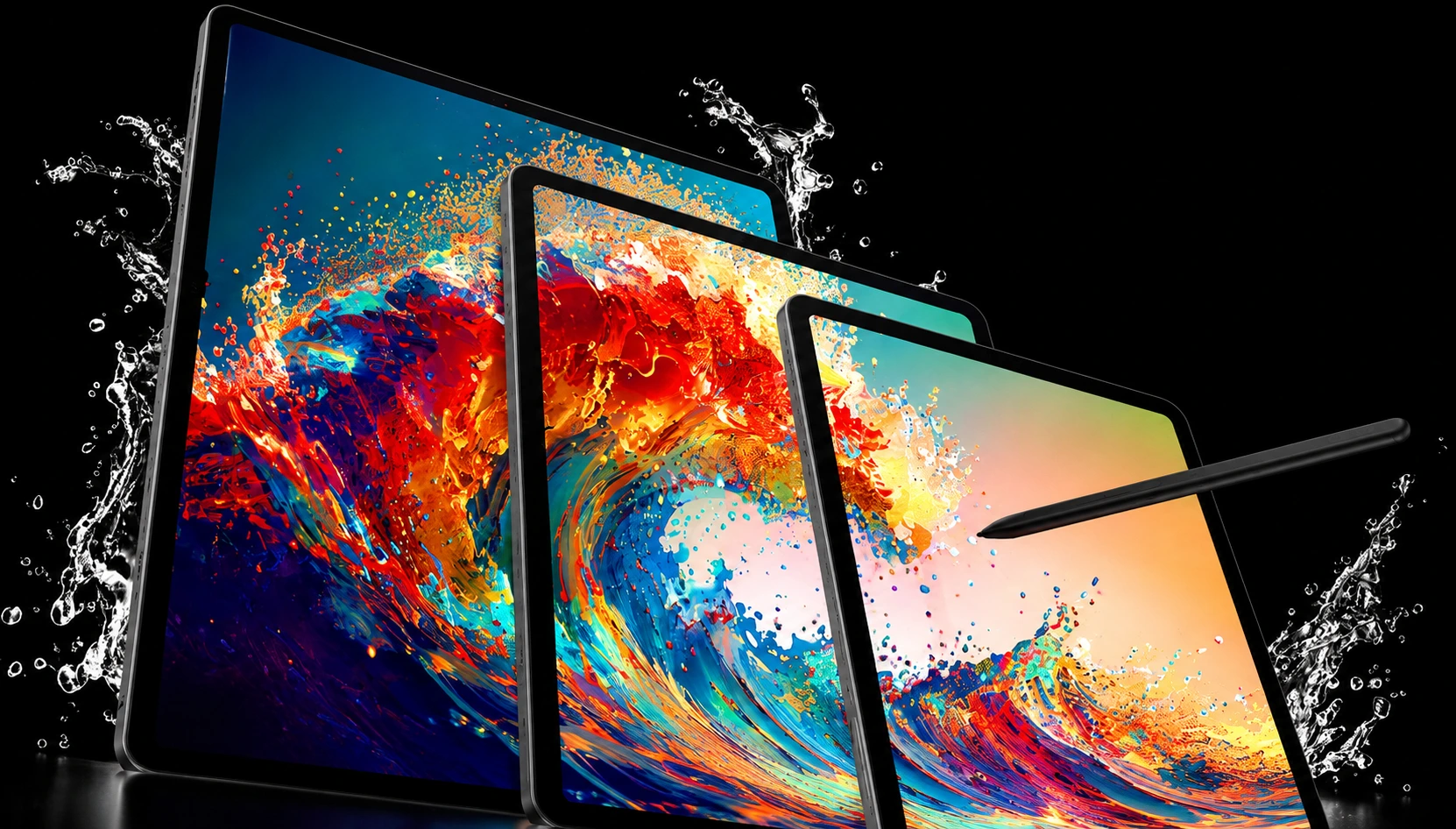
Here is the weird thing about the Samsung Galaxy Tab S9 in 2026. It was released in 2023 at $799, was at the top of the Android tablet market in 2023, and now it’s selling used at around $300. The hardware inside did not get worse. The price just dropped off a cliff.
That gap is the whole story of this review. You have a flagship tablet with a real AMOLED screen, a bundled S Pen, and a Snapdragon chip that still handles anything you throw at it, but at a price that now reads like a mid-range deal. The question is not whether the Tab S9 is good. It is whether an older flagship at half price beats a newer tablet at full price for what you actually do all day.
At the end, you will know the specs that are important, where the S9 is still impressive, where age shows, how it stacks up against an iPad, and who should skip it.
Samsung Galaxy Tab S9 at a Glance
If you want the short version before the deep dive, here it is.

| Spec | Samsung Galaxy Tab S9 |
| Display | 11-inch Dynamic AMOLED 2X, 2560 × 1600, 120Hz, up to ~1750 nits peak |
| Processor | Qualcomm Snapdragon 8 Gen 2 for Galaxy |
| RAM | 8GB or 12GB (LPDDR5X) |
| Storage | 128GB or 256GB (UFS 4.0), microSD expandable |
| Battery | 8,400mAh, 45W wired charging (charger sold separately) |
| Cameras | 13MP rear, 12MP front |
| S Pen | Included in the box, IP68 rated, 2.8 ms latency |
| Durability | IP68 water and dust resistance, Armor Aluminum frame, Gorilla Glass 5 |
| Software | One UI over Android, four major OS updates from launch |
| Launch Price | $799 (8GB/128GB) |
| Typical 2026 Price | Around $300 used, roughly $450 to $500 refurbished or on deal |
Design and Build: The First Waterproof Tab S
Pick up the Tab S9, and the first thing you notice is that it doesn’t seem cheap because it is not just that it doesn’t feel like a budget device. Samsung put an Armor Aluminum frame on top of it, with Gorilla Glass 5 on the front, and the whole thing measures a slim 5.9 mm thick. It looks and feels like the premium slate it was priced as.
The headline feature at launch still holds true today. The Galaxy Tab S9 was the first tablet in the Tab S line to have an IP68 rating, so it can survive dust and be in shallow water for up to 30 minutes without damage. Samsung even made sure the bundled S Pen had the same IP68 protection. Most tablets in the market, including some of the newer ones, have no water resistance at all. If you are in the kitchen, by the pool, or near a spilled drink, that rating gives you real peace of mind.
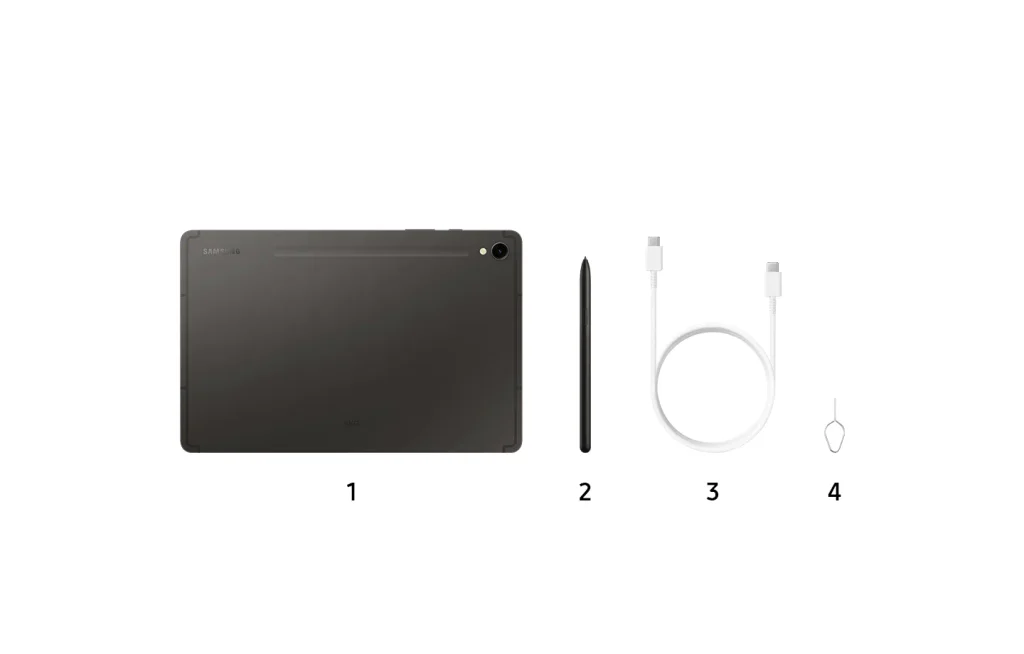
Samsung has also dropped the S Pen storage slot and moved to a magnetic strip on the back. The pen snaps on, charges wirelessly, and serves as a rough kickstand. You lose the tucked-away slot, so the pen is a little easier to knock off in a bag. That is the trade.
There is one omission we should point out: there is no headphone jack. There is a USB-C port and a quad-speaker setup tuned by AKG with Dolby Atmos, which sounds very good for movies and calls. For wired headphones, you will need an adapter.
The Display Is Still the Selling Point
Three years on, the screen is the reason to buy this tablet.
The 11-inch Dynamic AMOLED 2X panel runs at 2560 x 1600 resolution with a 120Hz refresh rate and peaks around 1750 nits. Numbers aside, what you get is deep blacks, punchy color, and scrolling so smooth it spoils you for cheaper LCD tablets. HDR content on Netflix or YouTube looks the way it should, real contrast, not that grey-black wash you see on lesser screens.
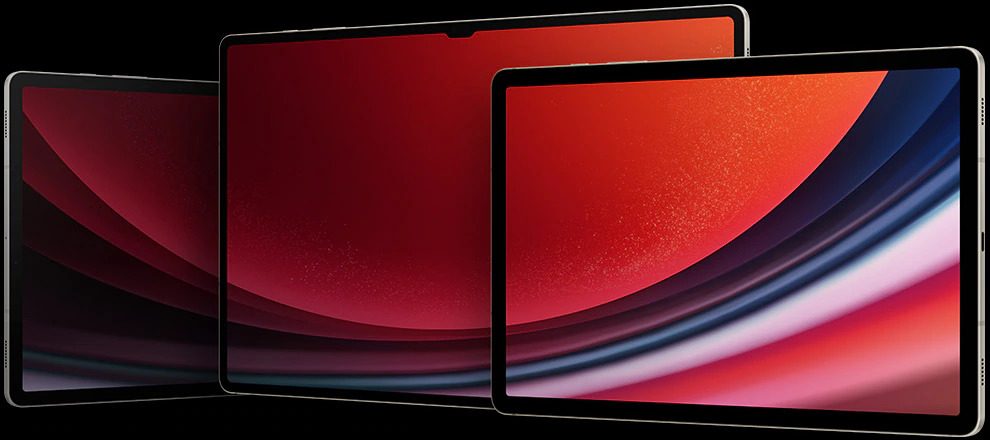
That high peak brightness keeps outdoor visibility clear. Reading in a bright room or in a car is no problem. The 120Hz refresh keeps handwriting, gaming, and everyday taps feeling instant.
Here is one little detail that buyers overlook. The base 11-inch S9 is the only model in the family that went from LCD to AMOLED (on the older Tab S8). So this generation is the one where the smaller, cheaper model finally got the good screen. You’re not settling for a lower panel by selecting the 11-inch size.
For note-taking, drawing, and long reading sessions, this display carries the whole experience. It is the single spec that has aged the least.
Performance in 2026: Does the Snapdragon 8 Gen 2 Hold Up?
Short answer: yes, and it is not close.
The Tab S9 runs the Snapdragon 8 Gen 2 for Galaxy, the same overclocked chip Samsung put in the Galaxy S23 phones. This was flagship silicon at the time it was released. In 2026, it still chews through everything a tablet realistically asks of it. Split-screen multitasking with a browser, a video, and a note app open at once remains smooth. Heavy games run at high settings.
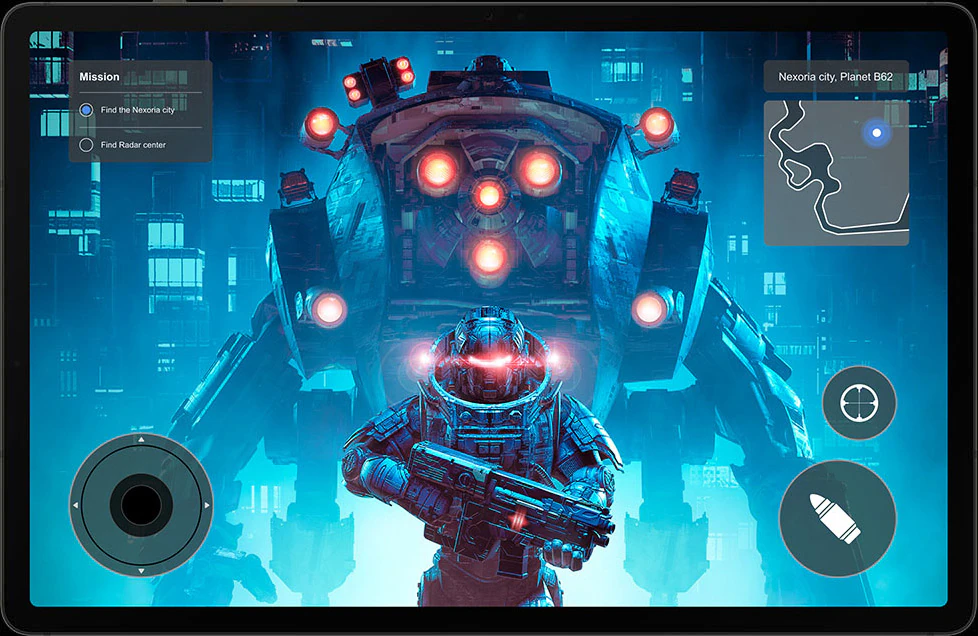
The 8GB base model is fine for most people. If you intend to keep a dozen tabs open, run Samsung DeX as a desktop, or edit video in LumaFusion, the 12GB configuration gives you more headroom and is worth hunting for on the used market.
Storage starts at 128GB and goes to 256GB, both on fast UFS 4.0. The part I appreciate more than the raw speed is the microSD slot. You can drop in a card and add hundreds of gigabytes for movies or project files, something Apple still refuses to allow on any iPad. For a media tablet, that flexibility is quietly excellent.
Thermals are well managed. Long gaming sessions warm the aluminum but never throttle hard enough to ruin the experience. Three years of app bloat and OS updates have not slowed it into frustration, which is the real test of a chip like this.
Battery Life and Charging
The 8,400mAh battery is a small bump over the Tab S8, and paired with the efficient Snapdragon chip, it gets you comfortably through a full day of mixed use. Expect somewhere around 11 to 13 hours of video playback, less if you are gaming at 120 Hz, and more if you are just reading and browsing.
Charging is where the age shows a little. The S9 supports 45W wired charging, but Samsung doesn’t include a charger in the box, so you have to supply your own USB-C brick. Even at 45W, this is not a phone-fast charger, and a full top-up takes well over an hour. There is no wireless charging for the tablet itself.
For a device this size, the battery is a strength and the charging speed is a shrug. Plug it in overnight and you never think about it.
The S Pen and Productivity Story
Samsung includes the S Pen in the box, and that still feels like a gift when you remember Apple charges over $100 for a pencil.
The pen offers 2.8ms latency, which translates to writing and drawing that tracks your hand with no visible lag. For note-takers and sketchers, it is one of the best styluses on any tablet at any price. The IP68 rating means a splash won’t kill it, and the magnetic charging on the back keeps it topped up when you aren’t using it.
On the productivity side, Samsung DeX turns the tablet into a windowed desktop interface, which pairs well with the optional Book Cover Keyboard. Multi Window lets you run several apps side by side, and Second Screen turns the Tab S9 into a wireless monitor for a Galaxy Book laptop. Samsung bundled GoodNotes for handwriting and LumaFusion for video editing, two apps that punch above what most tablets ship with.
Is it a laptop replacement? For email, documents, note-taking, and light editing, close enough. For heavy spreadsheet work or code, you will still reach for a real computer. That is true of every tablet, not just this one.
Cameras: Fine for a Tablet
Nobody buys a tablet for the camera, and the Tab S9 does not change that.
You get a single 13MP shooter on the back and a 12MP camera on the front. The rear camera is adequate for scanning documents or the occasional grab shot. The front camera is the one that matters, and it handles video calls well, with a wide enough field of view to keep you framed. It sits on the long edge, which is the correct place for landscape-orientation calls, unlike some tablets that stick it on the short edge.
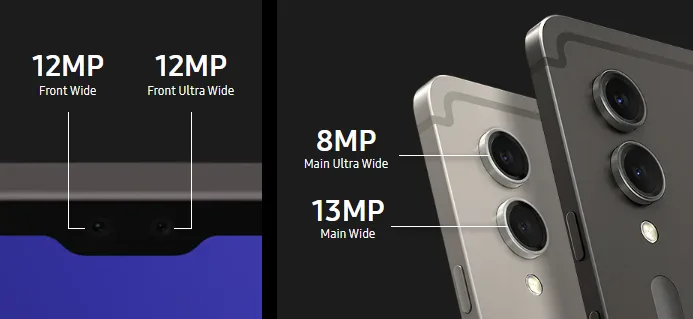
Treat the cameras as functional tools rather than a reason to choose or avoid this tablet.
Software and Update Support
The Tab S9 shipped with One UI over Android and a promise of four major OS updates plus five years of security patches. In practice, that means a tablet from 2023 will keep receiving major Android versions into its fourth year, so software support is not the reason to worry about buying one now.
One UI on a big screen is genuinely thoughtful. The taskbar, the app pairs, and the DeX mode all make the extra screen space useful instead of just showing you a blown-up phone layout. It is one of the better tablet software experiences in the Android world.
The caveat: you are buying into the back half of the update window rather than the front. Check exactly which Android version a given unit is on before you pay, especially secondhand.
Samsung Galaxy Tab S9 vs iPad: Which Should You Buy?
This is the comparison that most buyers care about, so let me be direct about it.
| Feature | Samsung Galaxy Tab S9 | iPad (Apple’s comparable tablets) |
| Stylus | S Pen included for free | Apple Pencil sold separately |
| Display | 11-inch AMOLED, 120Hz | LCD on the base iPad, OLED only on the priciest Pro |
| Expandable Storage | Yes, microSD | No, ever |
| Water Resistance | IP68 | None on standard models |
| Desktop Mode | Samsung DeX built-in | Stage manager on higher-end models |
| Ecosystem | Android, Google apps, sideloading | iPadOS, larger tablet-app library |
| App Optimization | Good, some phone-scaled apps | Best-in-class tablet apps |
The honest split works like this. Apple still wins on tablet-specific apps, since more developers build proper iPad versions than Android tablet versions. So if your must-have creative or professional apps are iPad-first, that settles it.
Of course, the Tab S9 is a good case elsewhere. You get an OLED-class screen, a free stylus, expandable storage, and water resistance, none of which are available on any iPad near the S9’s used price. If you live in Google’s ecosystem or just want the best hardware for the money, the Samsung is the best value in 2026.
Samsung Galaxy Tab S9 Price in 2026
It is when the price went from premium to truly tempting.
| Configuration | Launch Price | Typical 2026 Price |
| 8GB / 128GB | $799 | ~$300 used, ~$450 to $490 on deal |
| 12GB / 256GB | ~$919 | ~$400 to $536 depending on condition |
Prices move, so take these as a snapshot instead of a quote. [Insert live pricing from a current retailer or price tracker prior to publishing.] The pattern to watch is simple: the S9 drops hardest right after Samsung launches a newer generation, which is when the last-gen flagship becomes the smartest buy in the lineup.
At around $300 to $500, the Tab S9 competes with mid-range tablets and offers flagship internals. That is the deal.
What Most Reviews Get Wrong About Buying the S9 Now
Here is the part most guides skip, because they were written at launch and never updated.
Reviews of 2023 placed the Tab S9 at $799 and asked, “Was it worth flagship money?” That was the right question then. It is the wrong question now. In 2026 the S9 is $300 to $500, and the iPad is a new tablet at full price.
The value math is then shifted this way. The screen, the chip, the S Pen, and the IP68 rating are all still very good. What new models do over the S9 are real but incremental: a slightly faster processor, a slightly brighter panel, and small refinements. And for most people, all of that doesn’t change what a tablet does day-to-day: watch, read, draw, browse, and take notes.
So the trap is comparing spec sheets instead of comparing prices. When you have the latest and most demanding chip for heavy work, buy new. If you want a premium tablet experience at the price of a mid-range one, then the older flagship is the one to go for, and S9 is the easiest example on the market today of that logic.
The one thing to verify before you buy: the remaining software update window and the exact Android version on the unit you are looking at. Get that right, and the S9 is one of the best-value tablets you can buy today.
The Verdict
The Samsung Galaxy Tab S9 is now older, a better tablet than it was at launch, and a flagship tablet at a mid-range price. The display is still amazing, the Snapdragon 8 Gen 2 is able to do everything, the S Pen is free, and the IP68 build is so durable few tablets match. Slow charging and forgettable cameras are the only real compromises, and neither matters much for how people actually use a tablet.
If you want a high-end Android tablet for watching, reading, taking notes, writing, and doing light work without paying premium prices, go for it. It is only if you need the latest silicon, or your key apps have been built on iPadOS.
Your next step will be to check the current price and the remaining update window on the exact configuration you want, aim for the 12GB model if you can find it, and buy from a seller with good ratings. At today’s prices, the Tab S9 is one of the smartest tablet deals going on.
Frequently Asked Questions (FAQs)
Q. Is the Samsung Galaxy Tab S9 still worth buying in 2026?
A. Yes, if you buy it at its current lower price. The AMOLED display, Snapdragon 8 Gen 2, and the S Pen are still a premium experience, and at about $300 to $500, the value is hard to beat. Get it new if you need the latest processor for heavy professional work.
Q. Does the Samsung Galaxy Tab S9 come with an S Pen?
A. Yes. Samsung includes the S Pen in the box at no extra cost, and it is IP68 water resistant with 2.8 ms latency. It attaches magnetically to the back of the tablet and charges wirelessly there.
Q. Is the Samsung Galaxy Tab S9 waterproof?
A.The Tab S9 has an IP68 rating, which means it resists dust and can survive submersion in shallow water for 30 minutes or so. It was the first Samsung Tab S tablet to have water and dust resistance. Saltwater and high-pressure water should be avoided.
Q. How much RAM and storage is in the Galaxy Tab S9?
A. It comes with 8GB or 12GB RAM and 128GB or 256GB of storage on fast UFS 4.0. A microSD slot enables you to add hundreds of gigabytes more, which no iPad can do.
Q. Samsung Galaxy Tab S9 vs iPad Pro: which is better?
A. The iPad Pro has a faster chip and a larger library of tablet-optimized apps. The Tab S9 offers a free S Pen, expandable storage, water resistance, and a much lower price, especially used. The iPad Pro is for app-heavy pro work, and the Tab S9 for value and Android flexibility.


4 comments
[…] and 42W from the front at the same time, which is enough to charge a laptop and a tablet like the Samsung Galaxy Tab S9 together at near full speed. It recharges at 65W, in about 90 minutes from […]
[…] you print from your phone or a tablet like the Samsung Galaxy Tab S9, install the brand’s own print app instead of relying on the built-in print service. The official […]
[…] than many designers assume, so don’t only test at 1920. If you’re shopping for a tablet, our Samsung Galaxy Tab S9 review covers how its display handles split-screen apps, which is where viewport width really […]
[…] tablets follow the same basic rule. A tablet like the Samsung Galaxy Tab S9 handles calls best through apps such as Google Voice and WhatsApp, which run the same way they do […]