
Table of Contents
The short answer
The Sony BRAVIA 9 is one of the best LCD TVs ever made for movies in a bright living room. It gets very bright, controls blooming better than almost any Mini LED set, and has Sony’s excellent upscaling. Its weak spots are only two full-speed HDMI 2.1 ports, a heavy and thick build, and a price that only makes sense now that it has been replaced by the 2026 BRAVIA 9 II.
If you find a 65- or 75-inch BRAVIA 9 well below its launch price, it is still a great buy for film fans. If you game on several consoles or watch mostly in a dark room, other TVs fit you better.
This matters right now because the BRAVIA 9 is a 2024 model. Sony lists it as no longer available on its own site, so what’s left is retailer stock, open-box units, and renewed sets. That changes the value math, and it’s the main thing older reviews don’t cover.
Sony BRAVIA 9 at a glance
| Specification | Details |
| Model numbers (US) | K-65XR90, K-75XR90, K-85XR90 |
| Panel | 4K LCD with Mini LED backlight and quantum dots, 120Hz |
| Local dimming zones | 1,512 (65″), 1,920 (75″), 2,808 (85″) |
| HDR formats | Dolby Vision, HDR10, HLG (no HDR10+) |
| HDMI | 4 ports: 2 x HDMI 2.1 (4K/120Hz, VRR), 2 x 4K/60Hz; one 2.1 port is eARC |
| Speakers | 70W, 2.2.2 channels with upward-firing beam tweeters |
| Smart platform | Google TV, AirPlay, Chromecast built in |
| Launch price (US) | $2,999.99 (65″), $3,499.99 (75″), $4,799.99 (85″) |
| Status | Discontinued by Sony; replaced by the BRAVIA 9 II in 2026 |
Prices change weekly; check the retailer before quoting a number.

What does the BRAVIA 9 do best?
Five things put this TV near the top of its class, and they all point at the same buyer: someone who watches a lot of movies and prestige TV, often with daylight in the room.
It stays bright without falling apart in the dark
Brightness is the headline. Empire measured highlight peaks above 2,800 nits on its 75-inch set, and Notebookcheck reported about 775 nits on a full white screen, against roughly 317 for LG’s 2024 G4 OLED.
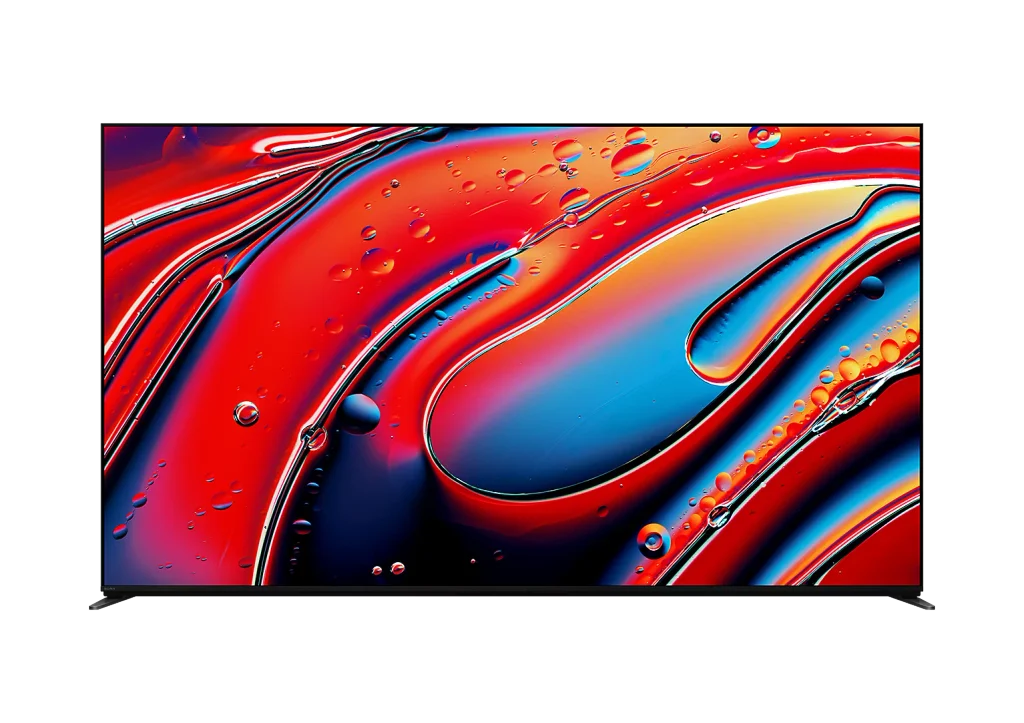
That full-screen number is the one that matters in a sunny room. A snowy landscape or a hockey rink stays bright instead of dimming the way OLEDs do to protect the panel. If your living room has a wall of windows, this is the strongest argument for the BRAVIA 9 over an OLED.
Blooming is rare, which is the hard part for Mini LED
Cheap Mini LED TVs get bright too. The difference is control. On most LCDs, a bright object on a black background leaves a gray halo around it, which you notice most on subtitles and starfields.
Sony built new backlight drivers for this set, and RTINGS listed “amazing black levels with barely any blooming” as its first pro. Notebookcheck, summarizing those tests, said halos show up in extreme scenes but rarely in normal viewing. In plain terms: dark movies like Dune or The Batman look closer to OLED than most LCDs manage.
Sony’s processing makes bad sources look better
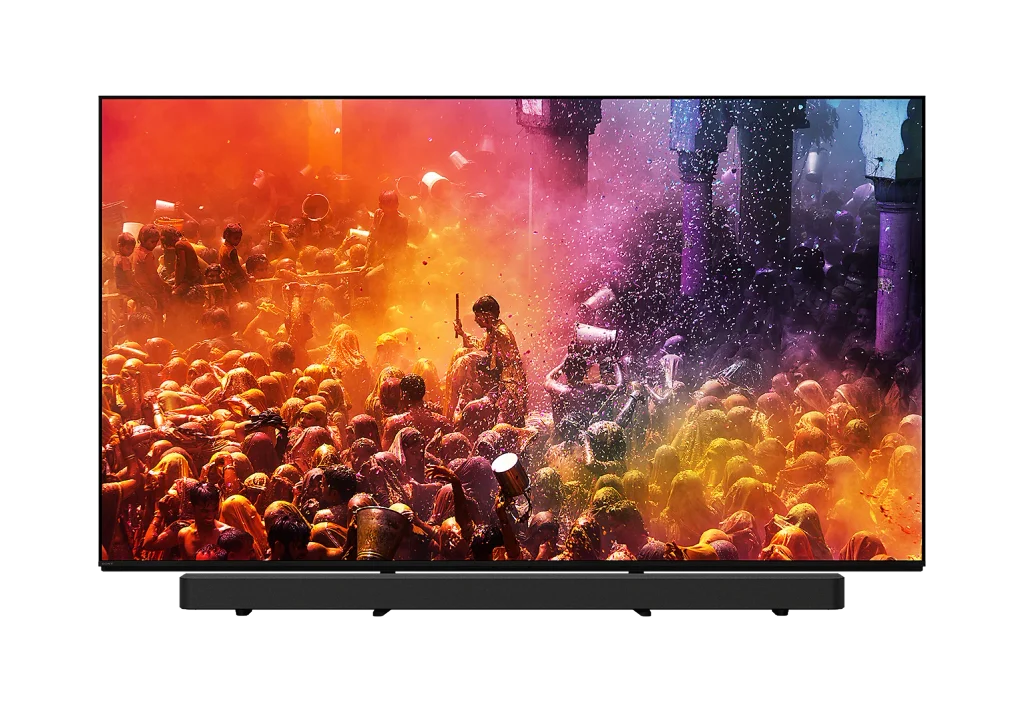
Most of what people watch isn’t pristine 4K Blu-ray. It’s compressed Netflix, cable sports, and old DVDs. RTINGS praised the BRAVIA 9 for making exactly those sources look good, which is a Sony strength across its lineup.
The practical upshot is that the picture you get on a Tuesday night watching a 1080p stream holds up, not only the demo footage in the store. Motion handling in sports also benefits.
The built-in sound is better than it needs to be
The 70W 2.2.2 speaker system includes two upward-firing tweeters along the top edge, a first for Sony. Empire’s reviewer, who ran it for five months without a soundbar, said it was good enough to delay buying one.
That’s a real saving on a TV this price, maybe $500 to $1,000 that can wait. If you do own a recent Sony soundbar, Acoustic Center Sync uses the TV’s speakers as the center channel for clearer dialogue.
Calibrated modes mean less fiddling
You get Netflix Adaptive Calibrated Mode, Prime Video Calibrated Mode, and the Sony Pictures Core app with movie credits. Professional mode looks accurate out of the box. If you don’t want to learn what gamma or color temperature means, you can pick one mode and stop.
Where does the BRAVIA 9 fall short?
None of these are deal-breakers for everyone. Each one is a deal-breaker for someone, so check which apply to your room and your habits.
Only two HDMI 2.1 ports, and one is eARC
This is the complaint that shows up in nearly every review. You get four HDMI inputs, but only two run 4K at 120Hz with VRR. One of those two is also the eARC port your soundbar needs.
Here’s how that plays out. Plug in a Sonos or Sony soundbar and you have one full-speed port left. Own a PS5 and an Xbox Series X? One of them runs at 60Hz, or you swap cables. Add a gaming PC and it gets worse. A soundbar with HDMI passthrough can help, but many popular bars, including the Sonos Arc Ultra, don’t have it. LG’s OLEDs offer four HDMI 2.1 ports at similar prices.
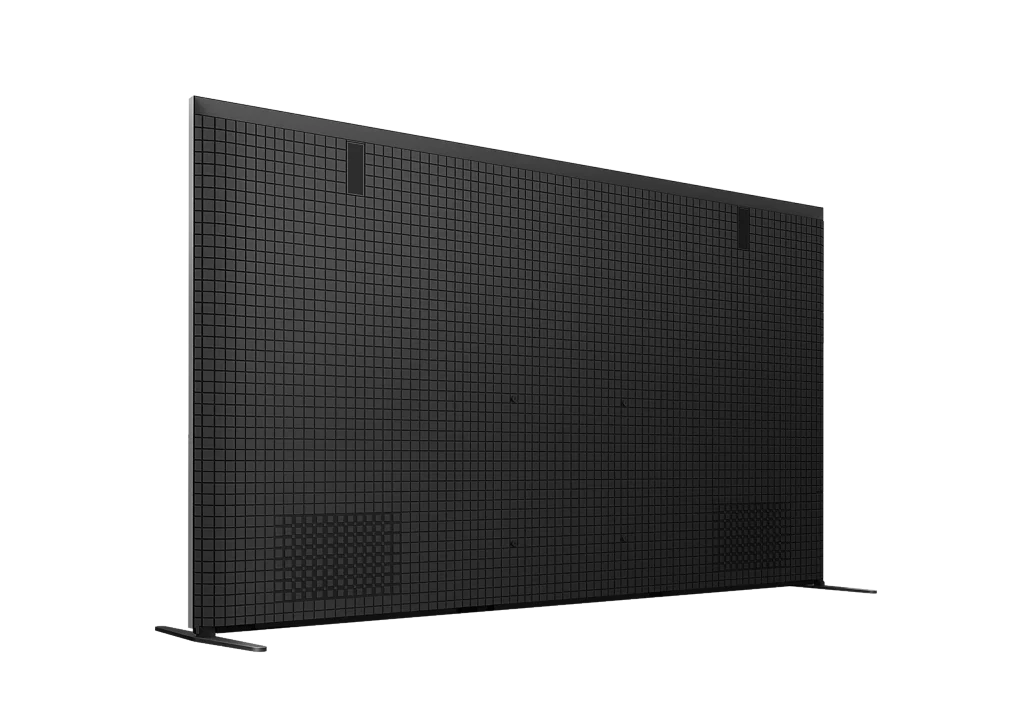
It’s thick and very heavy
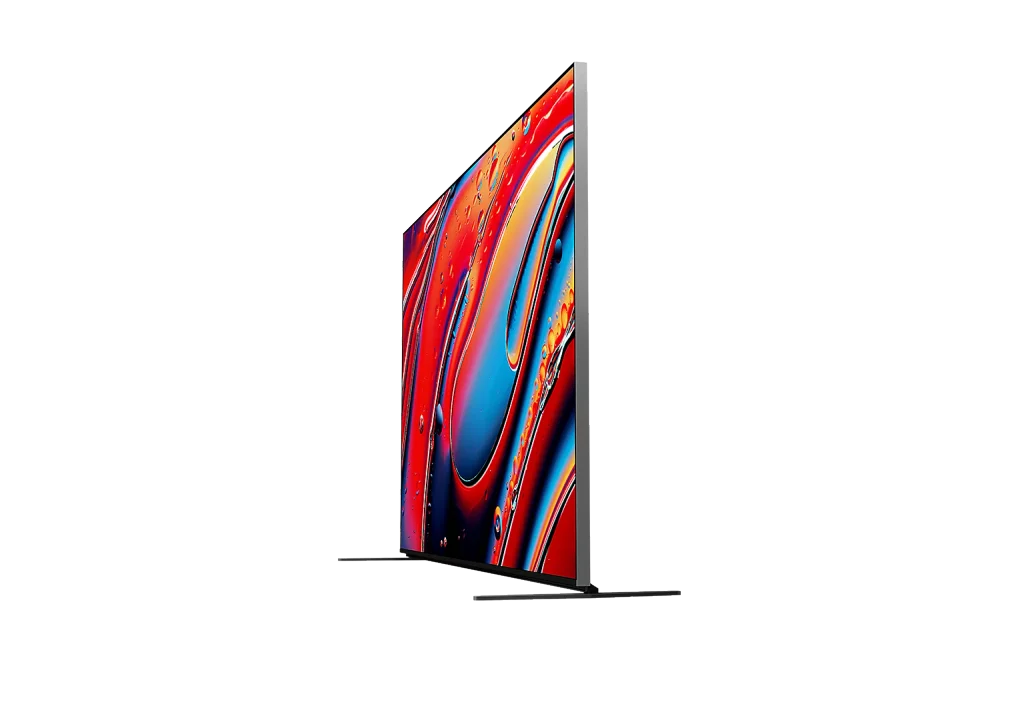
The 75-inch model weighs about 93 pounds (42.3kg) without its stand, compared with roughly 52 pounds for a 77-inch LG C5 OLED. Empire needed two people to move it.
Practical checks before you buy: confirm your wall mount is rated well above that weight, and measure your media console. In the wide-stance position, the feet extend past the panel, so your stand needs to be wider than the TV itself. The center position fixes that, and the raised setting leaves room for a soundbar.
Off-angle viewing loses contrast
The BRAVIA 9 uses a VA-type LCD panel, which is what gives it deep blacks head-on. The trade-off with VA panels is that colors and contrast fade as you move off-center. Sony added a wide-angle layer to soften this, but it doesn’t match an OLED.
If your couch sits directly in front of the TV, you won’t notice. If you have a wide L-shaped sectional or people watch from a kitchen island off to the side, an OLED will look more consistent from every seat.
Google TV can feel slow
Empire found the home screen and settings menus a little laggy, especially when switching inputs or picture modes. That’s an odd thing to say about a TV at this price. It doesn’t affect picture quality, and app support is complete, but it’s the kind of daily friction you notice.
No HDR10+ support
Sony supports Dolby Vision, HDR10, and HLG, but not HDR10+. Prime Video and some Blu-rays use HDR10+. The TV still plays that content in regular HDR10, so nothing breaks. You just lose the scene-by-scene tuning. For most viewers this is a footnote; for Prime Video regulars it’s worth knowing.
No smaller size, and it’s now old stock
There’s no 55-inch BRAVIA 9. The smallest option is 65 inches. And because Sony has discontinued it, size and color availability depends on what retailers have left. Renewed and open-box listings are common, so read the warranty terms closely; a new Sony TV normally carries a one-year manufacturer warranty, and renewed units often carry less.
Should you buy the BRAVIA 9 or something newer?
In late 2026, the BRAVIA 9’s real competition isn’t the TVs it launched against. It’s its own replacement and the OLEDs that have gotten brighter since. The deciding question is how much you can save versus the BRAVIA 9 II.
| TV | Panel | Best at | Main trade-off |
| Sony BRAVIA 9 (2024) | Mini LED | Bright rooms, movies, low blooming | 2 HDMI 2.1 ports, heavy, discontinued |
| Sony BRAVIA 9 II (2026) | RGB Mini LED | Even brighter, matte anti-glare screen, richer color | 65″ lists at $3,599.99, more than the original now sells for |
| Sony BRAVIA 8 II | QD-OLED | Dark rooms, wide viewing angles | Dimmer full-screen; 55″ and 65″ only |
| LG C5 OLED | OLED | Gaming (4 HDMI 2.1 ports), slim build | Less punch in sunlit rooms |
| Samsung QN90F | Mini LED | Glare control for daytime sports | Slightly less precise black detail |
BRAVIA 9 vs BRAVIA 9 II
The 2026 model swaps the original’s white or blue LEDs and quantum dot film for separate red, green, and blue LEDs in each zone. RTINGS called it excellent in both bright and dark rooms and singled out its new matte coating for glare. It also comes in a 115-inch size.
What it doesn’t change: it still has only two HDMI 2.1 ports. So the upgrade buys color, brightness, and reflection handling, not connectivity.
A simple rule: if the original BRAVIA 9 is at least $800 to $1,000 cheaper at the same size, it’s the better value for most people. If the gap is a few hundred dollars, buy the II, especially for a room with direct sunlight on the screen.
BRAVIA 9 vs an OLED
Pick the BRAVIA 9 if daytime viewing is common and you want highlights that pop. Pick an OLED like the BRAVIA 8 II or LG C5 if you mostly watch at night, seat people at wide angles, or run several consoles. Neither choice is wrong; they’re built for different rooms.
Who should buy the BRAVIA 9, and who should skip it?
Buy it if you match two or more of these:
- Your TV room gets a lot of daylight and you’re tired of dark scenes disappearing in glare.
- You watch movies and drama more than anything else, and care about how they’re mastered.
- You stream a lot of compressed or HD content and want it cleaned up well.
- You’d rather skip a soundbar for now.
- You’ve found a 65- or 75-inch unit well under its $3,299.99 or $3,999.99 launch price, with a full warranty.
Skip it if any of these is true:
- You run two or more current consoles or a gaming PC plus a soundbar.
- Your seating is spread wide around the room.
- You watch mostly at night with the lights off; an OLED will look better and often cost less.
- You need a 55-inch screen.
- The price gap to the BRAVIA 9 II is small.
Frequently asked questions
Is the Sony BRAVIA 9 still worth buying in 2026?
Yes, at the right price. Its picture holds up against newer Mini LED sets, and Empire still ranked it among the best TVs of 2026 after months of use. The catch is value: it only makes sense at a clear discount to the BRAVIA 9 II.
Is the BRAVIA 9 good for PS5 gaming?
Yes. It supports 4K at 120Hz, VRR, and ALLM, plus PS5 features like Auto HDR Tone Mapping and Auto Genre Picture Mode. The limit is port count, not performance.
Is the BRAVIA 9 an OLED?
No. It’s an LCD with a Mini LED backlight and quantum dots. Sony’s OLED models are the BRAVIA 8 and BRAVIA 8 II.
What’s the difference between the BRAVIA 9 and BRAVIA 7?
The BRAVIA 7 is the cheaper Mini LED model with far fewer dimming zones, so it blooms more and gets less bright. The BRAVIA 9 is the one to get if contrast and highlight brightness matter most.
Does the BRAVIA 9 need a soundbar?
Not right away. The 2.2.2 system with upward-firing tweeters is unusually good. A soundbar still adds bass and a wider Atmos effect, so plan for one eventually if you watch a lot of action movies.
What size BRAVIA 9 should I get?
For a couch about 8 feet away, 75 inches is the sweet spot. Go 65 inches for 6 to 7 feet, and 85 inches if you sit 9 feet or more back. Bigger sizes also get more dimming zones.


3 comments
[…] comparison explains why. If you want to see what a high-end 4K set does with HDR and motion, the Sony Bravia 9 review is a good reference […]
[…] thin cabinets leave room for small drivers only. If you’re weighing a TV’s built-in audio, our Sony Bravia 9 review shows how much a set’s speaker layout affects dialogue […]
[…] very bright, and still costs less than a C6 at most sizes. If you’d rather look beyond LG, our Sony BRAVIA 9 review shows how far a flagship Mini LED can push […]